 EZVIZ no longer supports Internet Explorer or earlier versions, and the site may not behave as expected. Please upgrade to a newer browser.

Quick Answer: How do temporary passcodes simplify vacation rental check-in?
Temporary passcodes allow vacation rental hosts to provide guests and staff with secure, time-limited entry credentials managed via a mobile app. Using smart locks like the EZVIZ DL05 allows hosts to create time-limited entry codes, reduce physical key handoffs, and set access validity to align with planned check-in and check-out times.
Managing a short-term rental or vacation property comes with daily logistical demands. Hosts must coordinate guest arrivals, hand over physical keys, accommodate unexpected flight delays, and grant access to cleaning and maintenance teams between bookings.
For property managers and hosts, smart locks provide an intuitive way to simplify access. By creating temporary passcodes directly from a mobile app, hosts can grant time-limited entry to an apartment, house, or room. Guests can check in smoothly during their stay without face-to-face handoffs or the hassles of managing physical keys.
Temporary access codes are digital PIN codes generated directly through the smart lock companion app that remain valid for a specified period. Once the set duration expires, the passcode automatically deactivates.
In vacation rentals and short-term accommodations, this feature allows hosts to assign dedicated entry credentials for each stay without rekeying locks or hiding keys in lockboxes:
• Guests: Receive access codes configured to remain valid for the planned check-in and check-out period.
• Cleaning Staff: Enter via dedicated time-limited codes during scheduled turnaround hours.
• Maintenance & Contractors: Receive time-limited access to complete necessary repairs.
Passcodes can be created and managed remotely via your smartphone, giving you full control even when managing a property from afar.
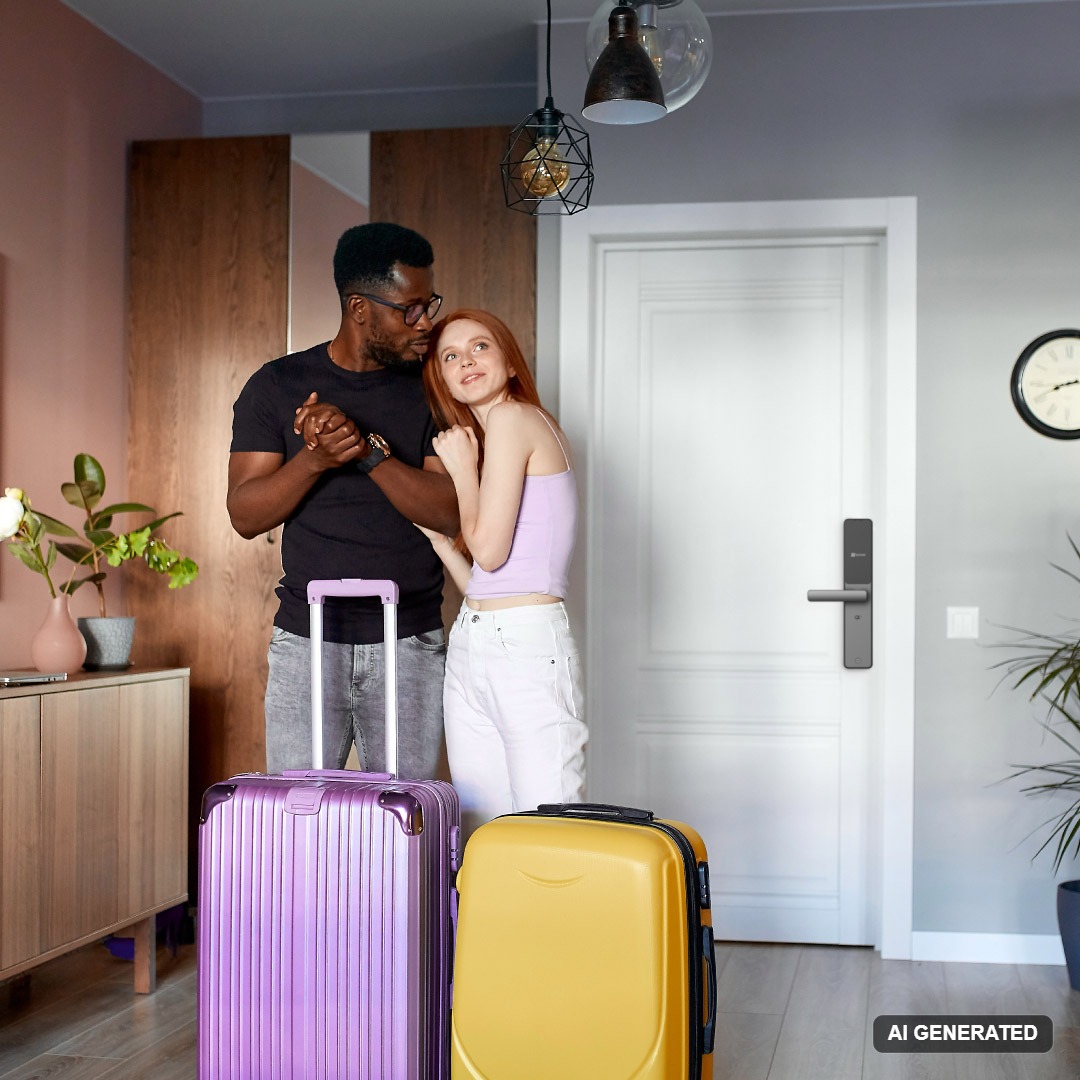
Offering self check-in has become a major advantage for short-term rental properties. Upon arrival, guests simply enter their assigned passcode on the keypad and step inside. This removes common friction points that take up valuable hosting time:
1. Late-Night Arrivals: Accommodate delayed flights or late check-ins without having to meet guests in person.
2. Last-Minute Bookings: Generate and send digital credentials instantly without traveling to the site.
3. Remote Management: Manage properties located in different cities with flexibility and ease.
4. Streamlined Turnarounds: Coordinate cleaning and servicing seamlessly between bookings.
5. Keyless Convenience: Reduce key-related lockouts and the need to replace physical keys.
Remote management is essential for operating rental properties smoothly. Through the EZVIZ App, property owners can configure, update, or remove access codes in just a few taps.
Along with issuing temporary passcodes, the app provides helpful oversight features:
• Lock Status & Alerts: Check lock status and receive alerts for unlocking events, low battery, or anti-tamper triggers.
• Activity Logs: Review available lock events and their timestamps.
• Remote Unlocking: Unlock the door remotely via the app when immediate access is required.
• User Management: Add or manage access for household members or trusted staff.
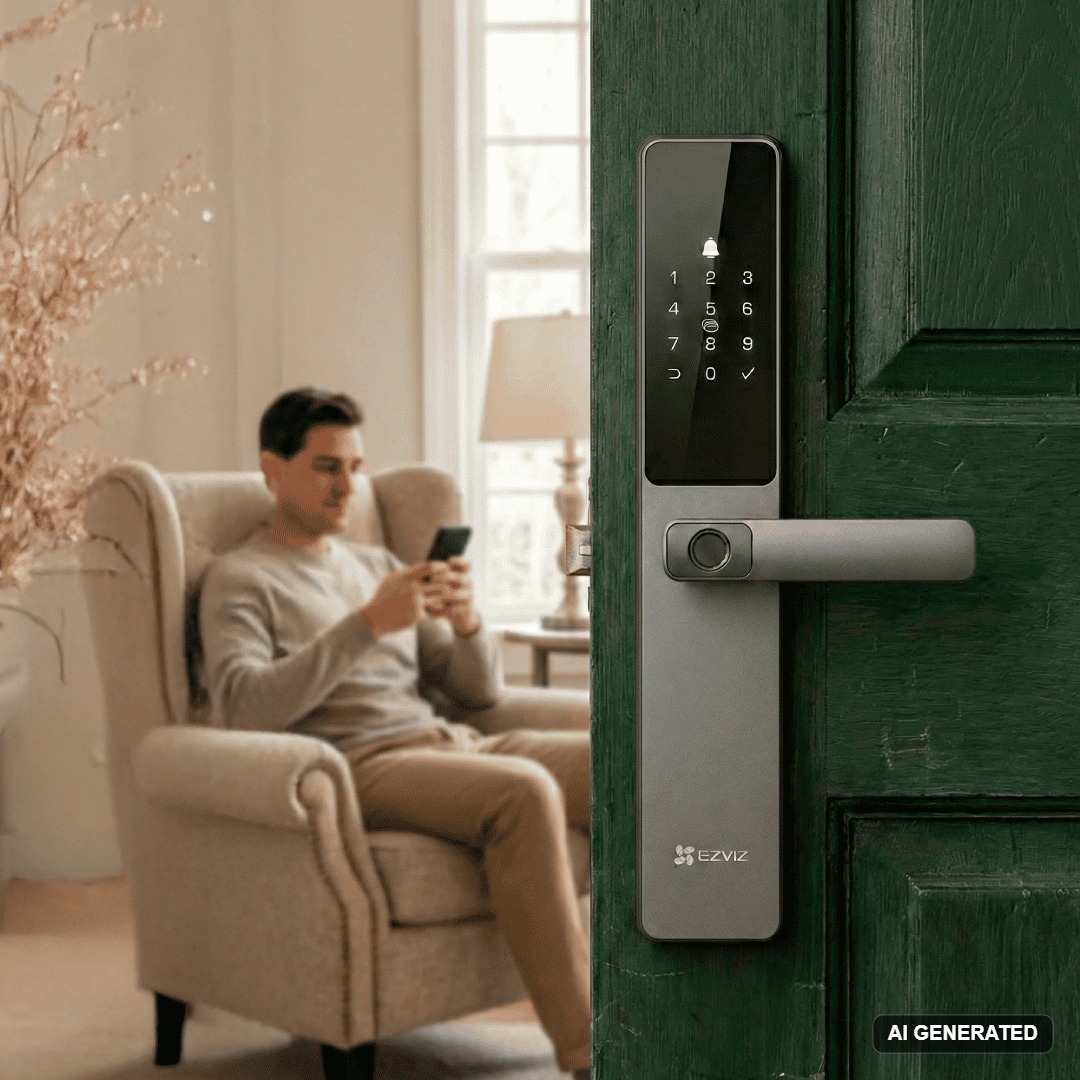
The EZVIZ DL05 and EZVIZ DL06 smart locks are designed to deliver versatile entry methods tailored to modern homes and rental properties.
Alongside temporary passcodes, these locks offer multiple convenient unlocking methods, including fingerprint recognition, numerical PIN codes, contactless RFID proximity cards, Bluetooth key sharing and app-based control, and mechanical emergency backup keys.
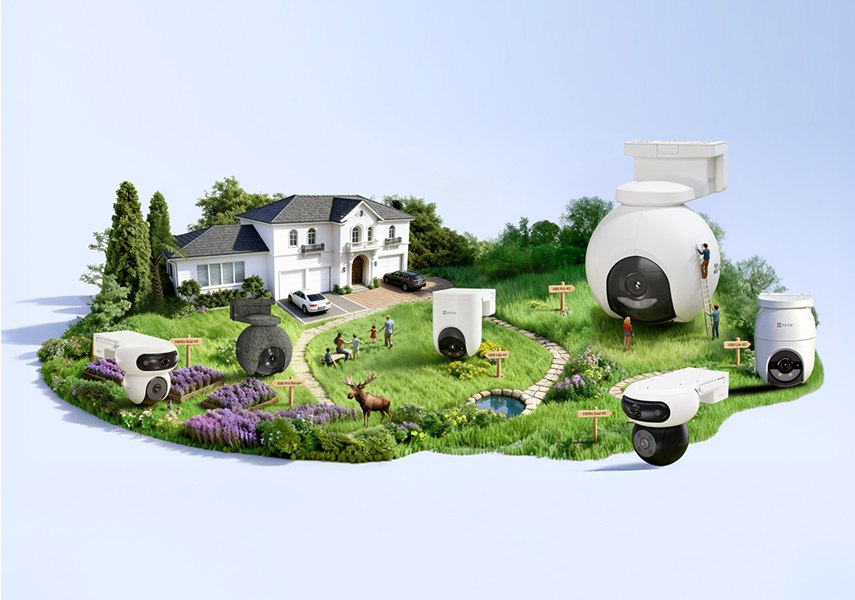
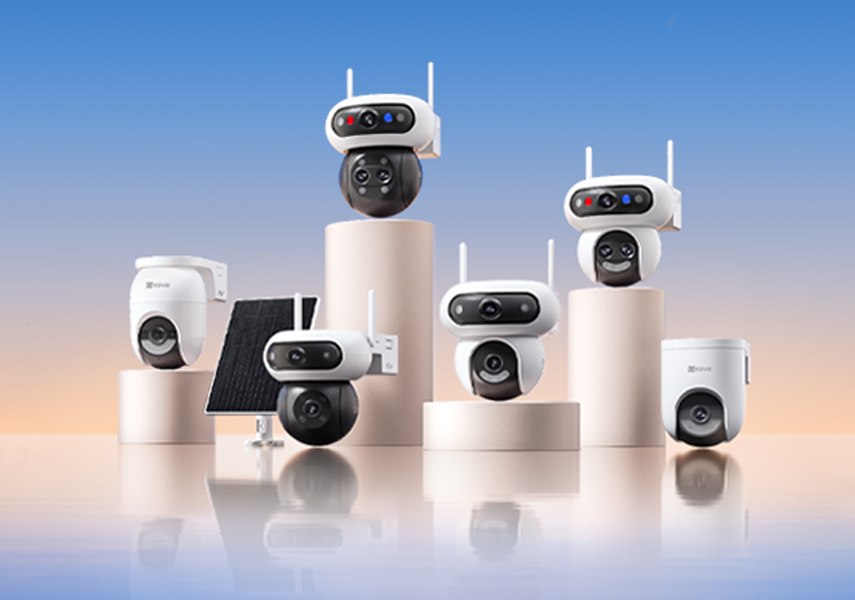
For hosts looking to enhance the front entrance, a smart lock can be complemented by a separate entryway video device. A smart door viewer like the EZVIZ CP4 or a video doorphone like the EZVIZ HP7 allows hosts to see who is at the door and communicate with visitors in real time. For outdoor monitoring around front gates or driveways, an outdoor pan-and-tilt camera such as the EZVIZ H8c provides 360-degree panoramic coverage for entryway surveillance. These devices can be managed through the EZVIZ App.
Open the EZVIZ App (the exact menu labels may vary by model and app version), select your smart lock, navigate to passcode settings, and generate a temporary passcode with your preferred validity window. The settings update directly through the app.
Yes. Temporary passcodes can be configured with active time frames matching guest reservations or designated service visits, ensuring access automatically ends when the period concludes.
Yes. You can review available lock events and their timestamps in the EZVIZ App to stay informed about entry activity and lock status.


 Store