 EZVIZ no longer supports Internet Explorer or earlier versions, and the site may not behave as expected. Please upgrade to a newer browser.

When selecting a security camera, one of the most important decisions—alongside image quality and features—comes down to how it connects to the internet.
Today, you have two primary options: WiFi security cameras, which connect to your home's WiFi network, and 4G security cameras, which use a SIM card to connect through mobile cellular networks.
Choosing the right connection type helps ensure reliable monitoring based on your property's location and network conditions. This choice is key to maintaining a stable security setup.
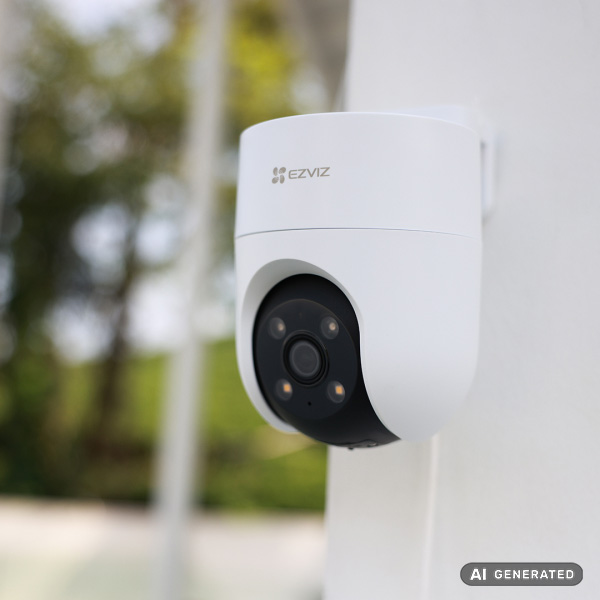
WiFi cameras connect directly to your local router to stream footage over your network. They are a common choice for houses, apartments, and businesses where reliable WiFi coverage is already available.
For outdoor monitoring, advanced models like the H8c WiFi and the H9c WiFi provide 360° viewing coverage through pan-and-tilt movement. These models often include smart features like AI-powered detection and active defense measures.
One of the biggest advantages is stable performance and lower operating costs on your existing home plan. However, they depend on your router's range, and internet outages may limit remote app access and cloud-based features until the connection is restored.
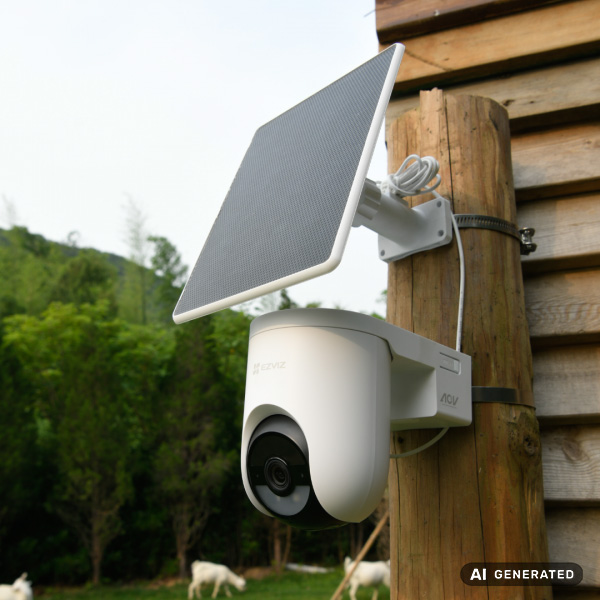
A 4G security camera uses a SIM card to connect through mobile networks instead of relying on local WiFi routers. This makes them highly effective for remote properties or construction sites where router coverage is unavailable.
Cellular models, such as the H8c 4G, typically require a Nano SIM card and a data plan. They can offer many of the same smart features found in WiFi models, including high resolution and intelligent tracking, without the need for complicated wiring.
Some 4G security camera models are battery-powered and can be paired with solar panels, making them suitable for off-grid installations where power outlets are not readily available.
| Feature | WiFi Camera | 4G Camera |
|---|---|---|
| Connection | Home WiFi network | Cellular mobile network |
| Installation | Best with router nearby | Works in remote areas |
| Monthly Cost | Usually lower (home plan) | Requires mobile data plan |
| Power Options | Wired or battery* | Battery, wired, or solar* |
| *Monthly Cost&Power options depend on the specific camera model. | ||
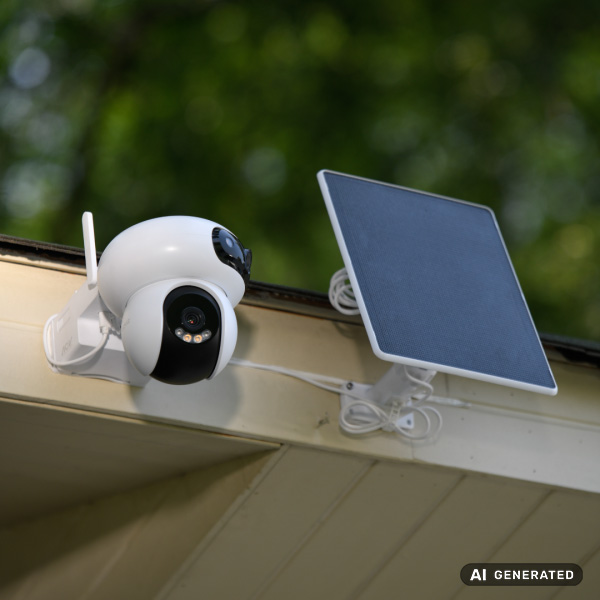
For greater versatility, smart security technology now offers devices that support both WiFi and 4G connections. Dual-mode kits like the HB8 Lite 4G provide users with more flexibility across different installation scenarios.
These systems are particularly useful for properties under construction. You can run them on 4G networks during the initial building phase, then transition to the building's WiFi network once the infrastructure is finished. This ensures continuous security coverage throughout the entire construction process.
Before finalizing your purchase, carefully analyze your installation site. Factors like local internet availability, cellular signal strength, and proximity to power sources will drive your choice.
Generally, standard WiFi models thrive in urban setups with steady broadband, whereas 4G LTE cameras are better suited for demanding, infrastructure-limited areas. If you're using a battery-powered camera, look for advanced power-saving features to ensure reliable monitoring over time.
No. 4G security cameras connect directly via cellular networks using an active SIM card, making them independent of WiFi routers.
Data usage depends on activity and specific model settings. Frequently streaming live video in high resolution consumes more data, while event-based recording helps optimize your monthly plan.
Yes, provided the model is battery-powered. Many cellular security cameras can also pair with solar panels for continuous, wire-free power.


 Store
Store