 EZVIZ no longer supports Internet Explorer or earlier versions, and the site may not behave as expected. Please upgrade to a newer browser.

Daily routines change in small, subtle ways. Whether it is heading out for a run, receiving a home delivery, or managing arrivals, the way we access our homes is evolving. Electronic locks are moving beyond corporate buildings and becoming a practical feature for modern residences.
Smart lock models such as the EZVIZ DL05 and DL06 offer homeowners multiple ways to manage entry, providing more options for daily home access.
Depending on the model, EZVIZ smart locks provide various entry methods that allow you to move away from carrying physical keys. Common access methods across the DL series include:
• Biometric fingerprint recognition
• PIN access codes
• Proximity cards (available on select models)
• Smartphone access via Bluetooth
• Mechanical key backup for emergencies
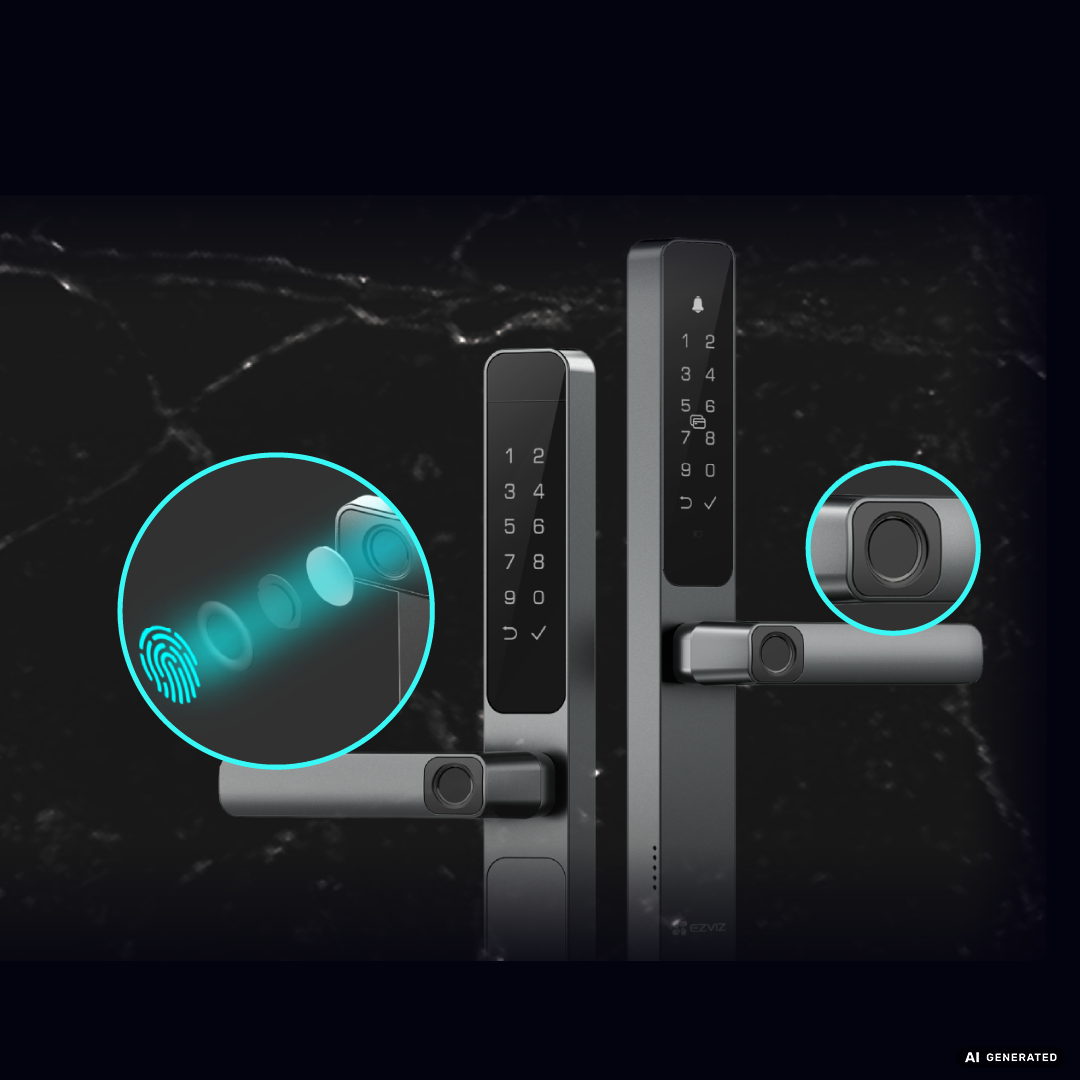
The DL05 supports smart integration with compatible EZVIZ indoor cameras. When the DL05 works with a compatible EZVIZ indoor camera, a door-opening event can trigger automatic recording. Available integrations may vary by lock model, camera model, network connection, and market.
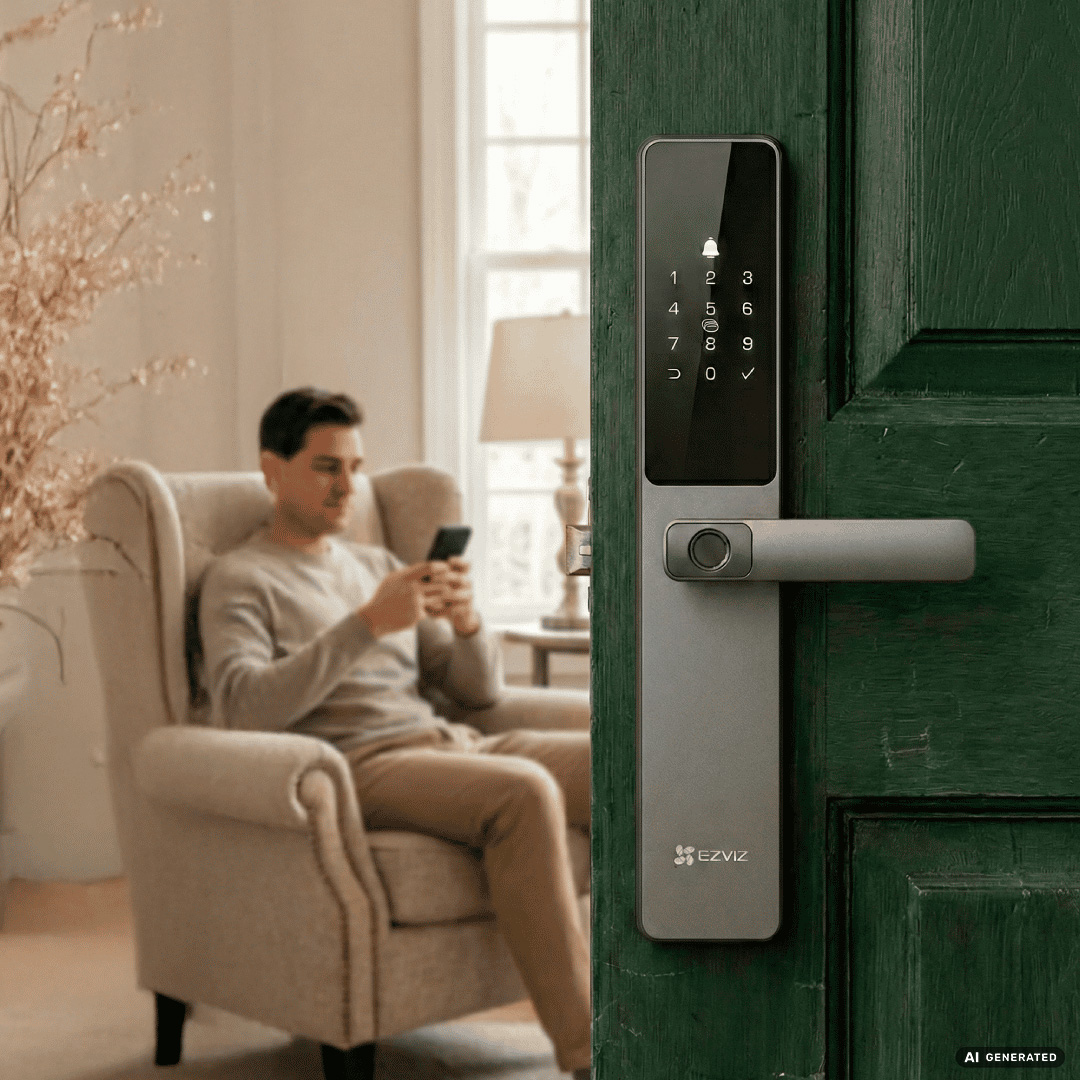
EZVIZ smart locks (including the DL05, DL06, and DL06 Pro) are built with several protection features. These include Anti-Peep Password support, which allows you to enter a sequence of random digits to protect your actual PIN from being observed. Additionally, these locks include tamper alarms that provide audible warnings if someone attempts to interfere with the device. Feature availability, such as real-time notifications via the app, depends on the specific model, network connection, and your local device configuration.
1. Access Options: Review which entry methods (fingerprint, code, card, or Bluetooth) are supported by the specific model.
2. App Connectivity: Check which remote functions or notification settings are supported by the model.
3. Power Management: Consider battery life and low-battery alert features.
4. Protective Features: Look for Anti-Peep Password support and tamper alarms.
5. Compatibility: Ensure the lock aligns with your requirements for smart home integration.
Note: Product availability, specifications, and feature availability may vary by country, region, model, and local service conditions. Please refer to your local EZVIZ website before purchase.
EZVIZ smart locks offer various methods depending on the model, which may include fingerprint scanning, PIN codes, proximity cards, Bluetooth smartphone access, and emergency mechanical keys.
Yes, the featured models include a mechanical key as a backup for emergency access.
The EZVIZ App provides an interface for managing lock settings, such as setting up access codes. Specific functions, including remote notifications and Bluetooth-based control, vary based on your device model, network settings, and regional service availability.


 Store
Store