 EZVIZ no longer supports Internet Explorer or earlier versions, and the site may not behave as expected. Please upgrade to a newer browser.

Returning home at night, opening the gate, and knowing everything is secure. Heading off on vacation and checking your phone to verify your home is safe. That's exactly what a well-planned security camera system is designed to provide.
However, proper placement is what makes a security camera truly effective. Positioning your cameras thoughtfully maximizes coverage, helps minimize blind spots, and gives you clear evidence right when you need it most.
A poorly placed camera might capture hours of footage, but if it faces the wrong way, that data is useless. When positioned correctly, a camera becomes a powerful tool to help you understand exactly what happens around your property.
Modern features like auto-tracking for people and vehicles, alongside color night vision—key hallmarks of EZVIZ models like the H8c and H9c—make camera height and angles even more important to unlock their full potential.
Think about how someone would move around your house. Certain entry paths require dedicated coverage to ensure meaningful protection:
1. Main Entrance: Your first line of defense. Monitors visitors and parcel deliveries.
2. Garage or Driveway: Protects parked vehicles and monitors a primary access point.
3. Backyard or Garden: Rear entryways are often vulnerable and need clear visibility.
4. Side Passages: Often hidden from street view, making them targets for undetected access.
5. Main Living Area: Provides an additional layer of protection across primary indoor spaces.
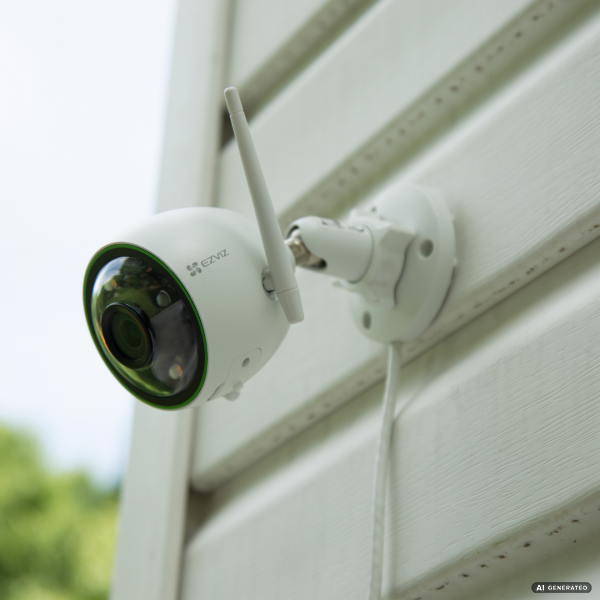
Improper mounting height is a common mistake. Sticking to standard rules ensures clear footage while keeping your hardware safe:
• Mount cameras between 2.5 and 3 meters (8 to 10 feet) off the ground.
• Avoid mounting too high, which causes steep angles and loses facial detail.
• Keep cameras out of easy reach to prevent physical tampering or vandalism.
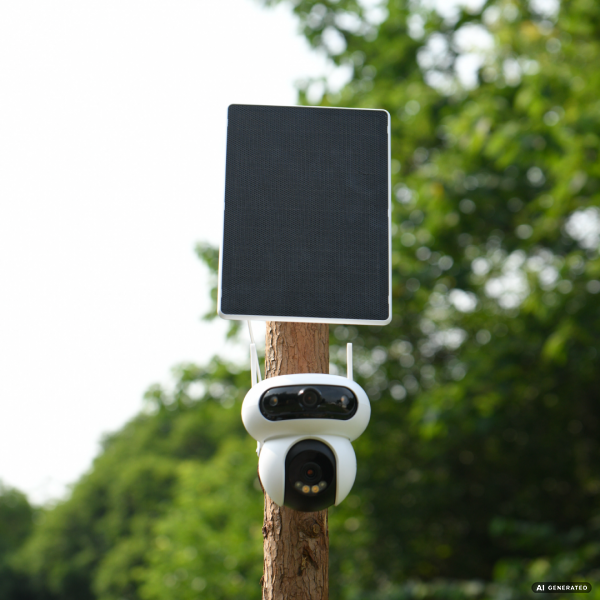
Once you have identified the right locations, the next step is choosing the right type of camera for each area. Outdoor cameras act as your first line of defense, using spotlights and sirens to actively deter intruders.
Weatherproof pan-and-tilt models with 360° coverage, such as the EZVIZ H8c 4G, are engineered to monitor expansive outdoor spaces. Indoor cameras, like the wide-angle H6c, provide an additional layer of protection for key family areas.
When installing, pay close attention to camera angles to avoid monitoring neighboring properties unnecessarily and always comply with local privacy laws. Furthermore, avoid aiming lenses directly at intense sunlight to prevent lens flare.
The best camera system isn't necessarily the one with the most devices—it's the one that's planned well. With thoughtful placement and high-performance devices from EZVIZ, you can achieve comprehensive protection while helping you protect what matters most.
Mounting cameras between 2.5 and 3 meters (8 to 10 feet) high is ideal. This range protects the hardware from tampering while preserving clear facial identification features.
Focus on primary entryways and main movement pathways, allowing camera fields of view to slightly overlap. Choosing pan-and-tilt cameras or smart auto-tracking models expands viewing coverage significantly.


 Store
Store