 EZVIZ no longer supports Internet Explorer or earlier versions, and the site may not behave as expected. Please upgrade to a newer browser.

Your phone buzzes with a notification. It isn’t an emergency—it’s just your dog moving across the living room or your child waking up early from a nap. This is how an indoor security camera becomes more than just a security device—it becomes part of your everyday routine.
Modern indoor cameras are no longer used only for emergencies or stopping intruders. Today, they have become practical tools that help you manage daily household dynamics and deliver clear visibility when you need it most.
1. Staying Connected with Family
For homes with young children or elderly family members, an indoor camera provides instant reassurance. You can check in at any time and use two-way audio for quick conversations.
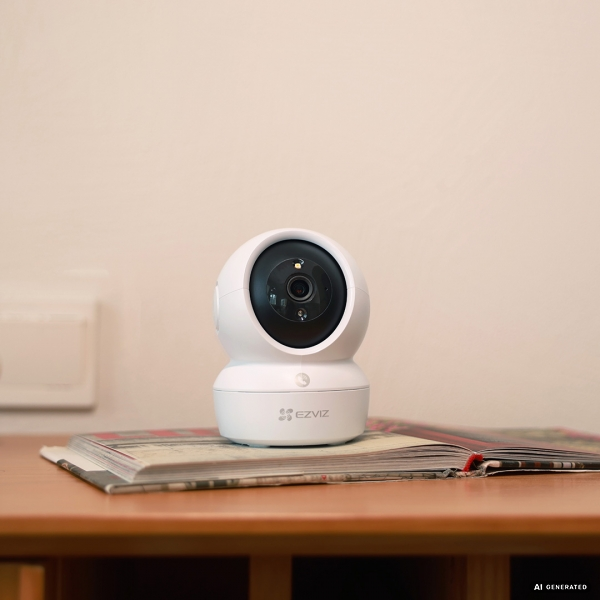
Advanced models like the EZVIZ H6c Pro even include a one-touch call button. This allows family members at home to call your mobile app directly—ideal for children or seniors who may not always have access to a smartphone.
2. Monitoring Pets Throughout the Day
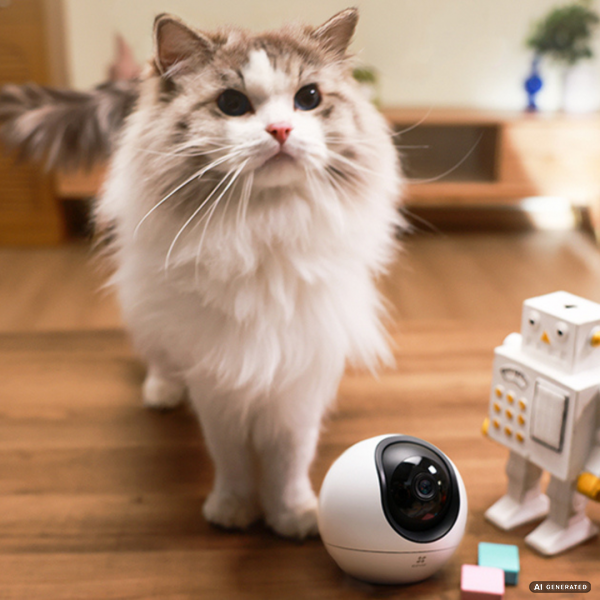
If you have pets, an indoor security camera can also work as a convenient pet monitoring camera. You can check their habits, offer comfort through the speaker if they seem distressed, and use night vision to monitor rooms in the evening.
3. Checking Your Home While Away
Whether you are at work, running errands, or on vacation, an indoor camera lets you check on your house instantly. It’s a simple way to verify if you left a light on, monitor for unexpected activity, or see if a service provider has arrived.
4. Small Business and Office Use
Their compact designs also make these cameras easy to install in professional environments. They are often used to monitor reception areas, waiting rooms, or small retail counters to oversee daily operations.
While indoor cameras are helpful, responsible usage is key to maintaining a comfortable home environment.
Strategic Placement: Focus your cameras on common gathering areas like the living room, kitchen, or hallways. Avoid placing cameras in highly private areas like bathrooms. Bedroom placement should be considered carefully based on your family’s privacy preferences and monitoring needs.
Utilize Privacy Modes: Many EZVIZ models offer privacy shutters or software-based sleep modes. You can easily turn off the camera or pause recording through the app whenever you are home, giving you absolute control over your privacy.
As your smart home grows, your indoor camera can become one part of a broader security ecosystem. By integrating these devices with door locks and sensors via the EZVIZ App, you create a connected system that is made for everyday use.
Many smart indoor cameras do not record continuously by default to save storage. However, recording options usually depend on your specific settings, storage method (SD card or Cloud), and the camera model you choose.
Yes. You can activate sleep mode or use a physical privacy shutter through the EZVIZ App anytime for easier home monitoring and absolute control.


 Store
Store