 EZVIZ no longer supports Internet Explorer or earlier versions, and the site may not behave as expected. Please upgrade to a newer browser.

Quick Answer:
You can monitor your home remotely from your smartphone by pairing an internet-connected security camera with the EZVIZ app. Depending on the model, you can view live HD video, receive real-time motion alerts, speak via two-way audio, and review recorded footage anytime you travel or leave home.
Leaving for a trip or spending long hours at work often brings familiar questions: Is the front door area clear? Did a package arrive? Are the pets doing fine? Remote smartphone monitoring lets you quickly check what's happening at home from your phone, giving you clear answers without interrupting your day.
By combining smart security cameras with the EZVIZ mobile app, you can easily check live feeds, review activity clips, and manage home security settings from wherever you are.
Remote monitoring connects your internet-enabled security cameras to a mobile application on your smartphone. The camera sends video data through its network connection, allowing you to view the feed remotely from your phone over the internet. EZVIZ also uses encryption to help protect data transmitted between supported devices and its cloud services.
With compatible EZVIZ security cameras, the EZVIZ app functions as a centralized control dashboard. From the app, you can:
• View high-definition live video feeds (Live View)
• Receive push notifications when key events are detected
• Play back recorded video stored on local storage or cloud services
• Adjust motion detection zones and sensitivity to reduce unnecessary notifications
Setting up a remote home monitoring system requires three core elements:
1. A Compatible Security Camera: Selecting models designed for indoor, outdoor, or off-grid locations.
2. A Stable Internet Connection for the Camera: Standard Wi-Fi networks for homes, or 4G LTE cellular data plans for locations without fixed internet.
3. The EZVIZ Mobile App: Installed on an iOS or Android smartphone with an active data connection.
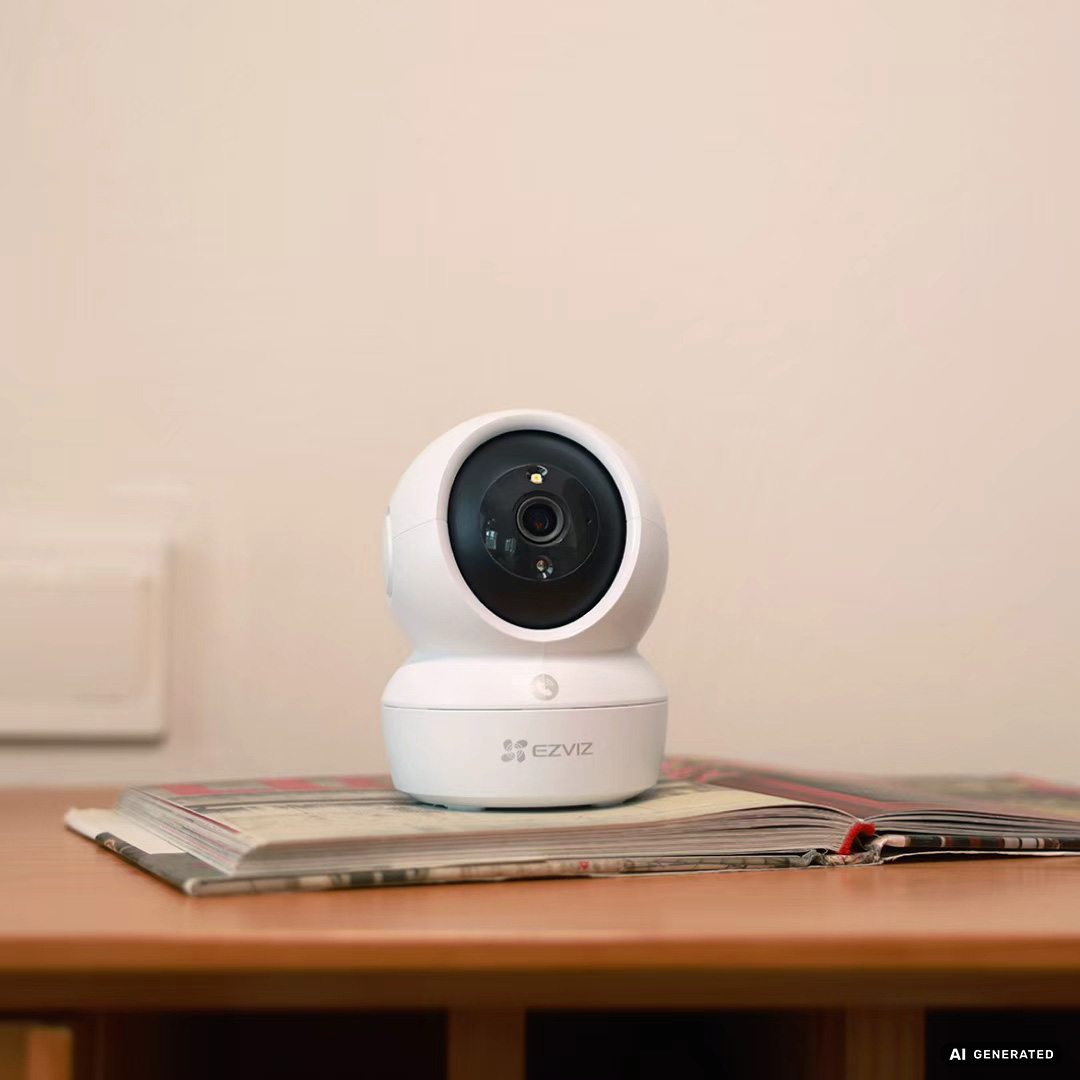
Which EZVIZ Camera Is Right for Your Space?
Different areas of your property have distinct power and network requirements. Selecting the appropriate device category ensures smooth remote viewing:
• Indoor Cameras (such as the H6c Pro 3K or H7c Dual): Indoor pan-and-tilt cameras, such as the H6c Pro 3K, can provide wide coverage, smart tracking, and two-way audio for common living areas. Dual-lens models such as the H7c Dual can provide broader views from a single device.
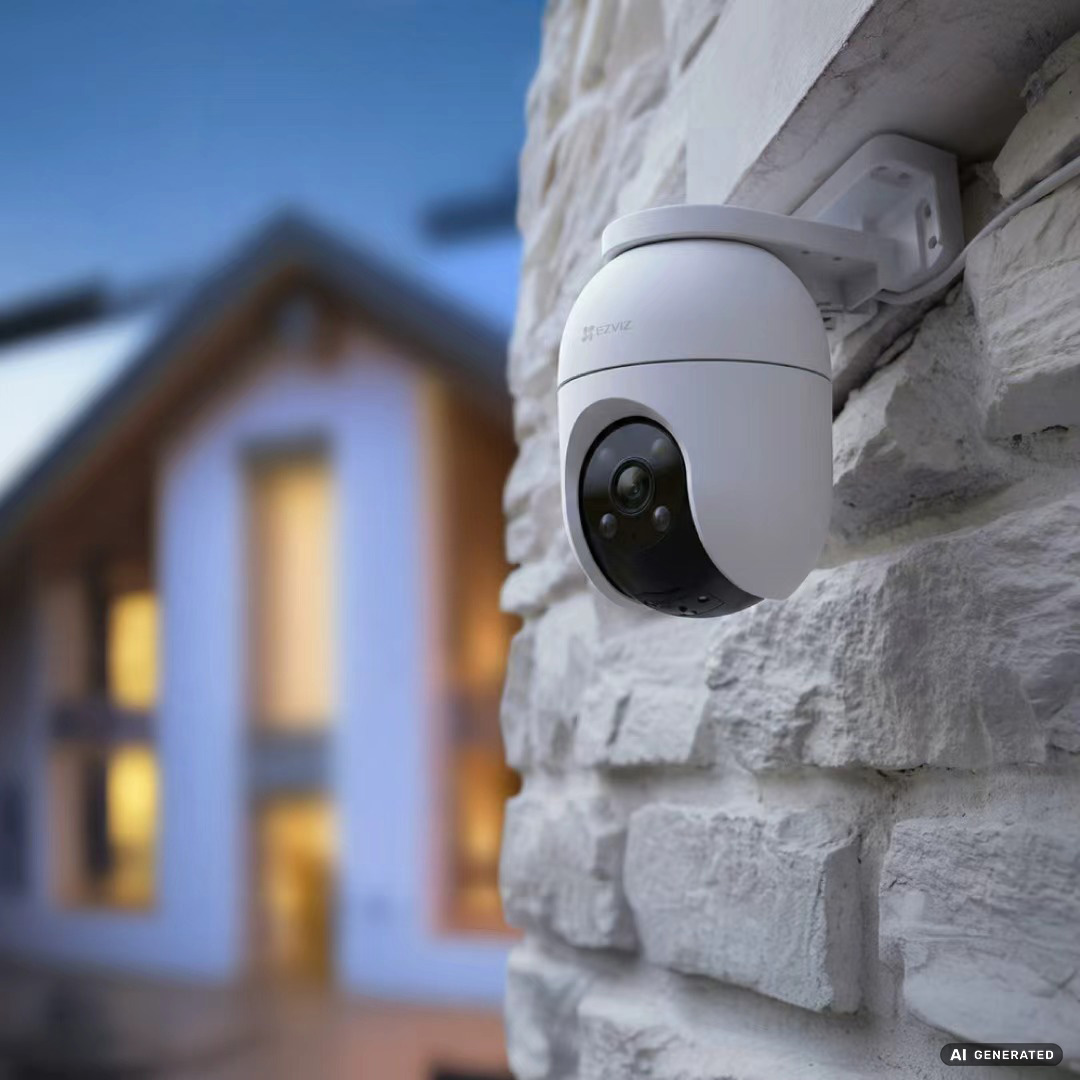
• Outdoor Weather-Resistant Cameras (such as the H8c or dual-lens H9c Dual): Engineered for exterior environments, featuring weather-resistant enclosures, color night vision, and active deterrence features such as spotlights and sirens.
• Battery-Powered Wire-Free Cameras (such as the solar-compatible HB8 Lite Kit): Designed for areas where running electrical wiring is difficult or inconvenient.
• 4G Cellular Cameras (such as the EB3 4G): Well suited to vacation properties, construction sites, rural locations, and other areas without fixed home Wi-Fi broadband.
Effective remote oversight relies on meaningful alerts rather than constant video streams. Depending on the camera model, EZVIZ devices offer several intelligent capabilities:
• AI-Powered Detection: Helps distinguish people or vehicles from other detected motion and can reduce unnecessary alerts on supported models.
• Smart Auto-Tracking: Follows moving subjects across the camera’s view so key actions stay centered in the frame.
• Color Night Vision: Provides clear color imagery in low-light environments on supported hardware.
• Two-Way Communication: Lets you speak with visitors or family members directly through your smartphone speaker and microphone.
• Active Defense: On supported models, built-in sirens and spotlights can help deter unwanted visitors when an alarm is triggered.
Strategic camera placement gives you a clear overview of your property while minimizing blind spots. Prioritize installation near primary access points and high-traffic areas:
• Main Access Points: Front doors, back entrances, and side sliding gates
• Driveways and Garages: Exterior pathways where vehicles park and packages are dropped off
• Central Living Spaces: Main hallways or entry foyers leading into core living areas
Privacy & Security Tip: Always place indoor cameras facing entry points and common areas rather than private spaces such as bedrooms or bathrooms. To help protect your devices, EZVIZ regularly releases firmware updates to address security and system concerns. Users can update camera firmware directly through the EZVIZ app or review official information on EZVIZ Privacy Guidelines.
To review past events while you are away, EZVIZ cameras offer flexible local and cloud storage methods:
• Local MicroSD Card Storage: Many EZVIZ models support microSD card storage, with the maximum supported capacity varying by model, allowing video footage to be stored directly inside the camera without monthly fees.
• EZVIZ CloudPlay: EZVIZ CloudPlay provides cloud-based video storage, giving you an additional way to access recorded events if local storage is unavailable or the camera is damaged or stolen (plan availability varies by region).
• Network Video Recorders (NVRs): Multi-camera installations can use a dedicated EZVIZ NVR, such as the EZVIZ X5S, for centralized local recording and video management.
Yes. As long as your camera has an active internet connection (Wi-Fi or 4G) and your phone has network connectivity, you can open the EZVIZ app to view live video and receive real-time alerts from anywhere.
Yes. In general, you can access your EZVIZ camera while traveling abroad as long as the camera remains online and your phone has a reliable internet connection. Availability may depend on local network conditions.
Some EZVIZ cameras support 24/7 continuous recording, while others are designed primarily for event-based recording. Check your specific model's specifications before enabling continuous recording.
Not necessarily. Wi-Fi-enabled EZVIZ cameras require a compatible Wi-Fi network, while compatible 4G models (such as the EB3 4G) can connect through a cellular network using a SIM card.
Ensure your home Wi-Fi or mobile internet connection has sufficient bandwidth. You can also adjust the video streaming resolution in the EZVIZ app from HD to Standard mode to ensure smoother playback over weaker mobile networks. For technical assistance, users can also visit the EZVIZ Support Center.


 Store
Store